
Upto 80% off Hosting for wordpress

Managed WordPress Hosting with super fast speed

Claim Deal
GEMIHOST SERVER STATUS: OPTIMIZED

Trusted by WordPress.org

Our Managed WordPress Hosting Plans

Scalable, secure & lightning fast — for agencies & pros
Monthly Yearly save 20%
✦ 7 Days Money Back Warranty
5000+
WordPress Sites Hosted
99.9%
Uptime Guarantee
24/7
Expert Support
07 Days
Money Back Guarantee
WORDPRESS HOSTING PACKAGES
Find Your Perfect Plan with Gemi Host
Get Started Now
SERVER TYPES Shared NVMe Cloud VPS Dedicated LiteSpeed Active Optimization: 100% Extreme Speed GEMIHOST v4.0 ● ONLINE
WHY CHOOSE US

Managed WordPress Hosting

Experience hosting that's optimized, secured, and tailored specifically for WordPress websites.

Lightning Fast Speed

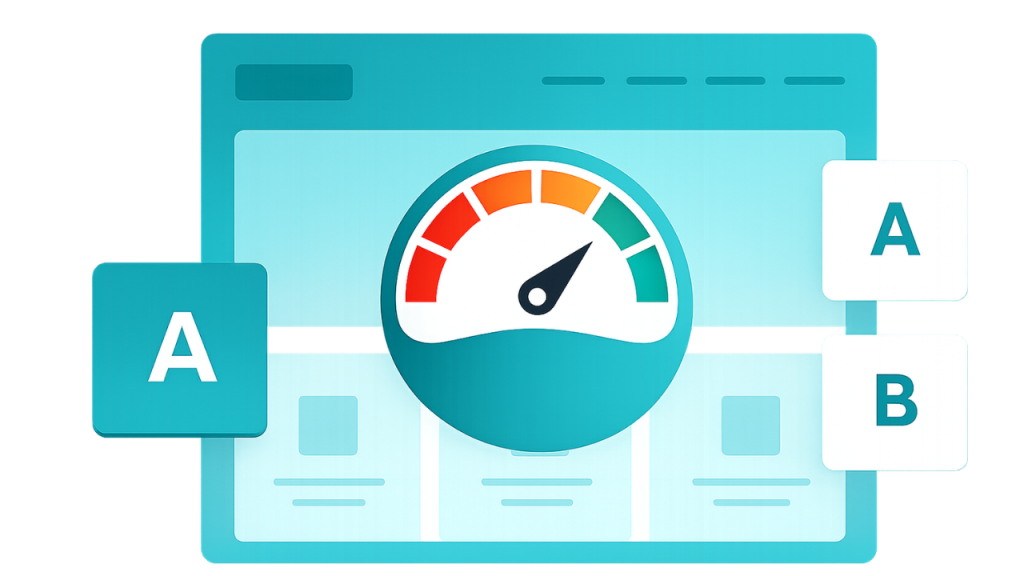
NVMe SSD storage, PHP 8.x, and built-in caching deliver lightning-fast load times for your WordPress site.

  • ✓ NVMe SSD Storage
  • ✓ PHP 8.x Support
  • ✓ Built-in Caching

Enterprise Security

Free SSL certificates, DDoS protection, malware scanning, and automatic backups keep your site safe.

  • ✓ Free SSL Certificates
  • ✓ DDoS Protection
  • ✓ Daily Backups

99.9% Uptime Guarantee

Our enterprise infrastructure ensures your WordPress site stays online with zero downtime.

  • ✓ 99.9% Uptime SLA
  • ✓ Real-time Monitoring
  • ✓ Automatic Failover

Easy Scalability

Start small and scale seamlessly as your traffic grows with one-click resource upgrades.

  • ✓ One-click Upgrades
  • ✓ Auto-scaling Resources
  • ✓ No Downtime Scaling

24/7 Expert Support

WordPress experts available 24/7 via live chat and ticket to help you with any issue.

  • ✓ 24/7 Live Chat
  • ✓ WordPress Experts
  • ✓ 15-min Response Time

Free Automated Migration

We'll migrate your WordPress site for free with zero downtime and no data loss.

  • ✓ Free Migration
  • ✓ Zero Downtime
  • ✓ No Data Loss
✦ managed wordpress

Trusted by
agencies & creators

From freelancers to enterprise teams, our platform delivers speed, security, and peace of mind. See why thousands switch to managed WordPress hosting.

⚡ Elementor 🛡️ Sucuri 🌐 Cloudflare

Ready to experience premium WordPress hosting?

Join 50,000+ happy website owners who trust us with their WordPress sites.

Get Started Today

Frequently Asked Questions

How to migrate your existing WordPress website to Gemihost hosting?
  • Purchase a GemiHost Plan  Choose a hosting plan that fits your needs.
  • Share Website Details  Provide your current hosting login or cPanel access to the GemiHost team.
  • Request Migration  Open a support ticket and request a free website migration.
  • Migration Process  The team will securely transfer your files, database, and emails.
  • Update Domain DNS  Point your domain to GemiHost nameservers.
  • Verify Your Website  Check your site to ensure everything works perfectly.

GemiHost is perfect for WordPress because it offers fast, optimized servers, 99.9% uptime, strong security, and automatic updates. With free migration, easy setup, and 24/7 WordPress support, your site runs smoothly, safely, and reliably without any technical hassle.


Yes  GemiHost provides secure hosting servers for WordPress websites. They use advanced security measures, including firewalls, malware scanning, and regular backups, to protect your site from threats. With continuous monitoring and automatic updates, your WordPress website stays safe, fast, and reliable at all times.


  • Check Your Welcome Email  You’ll receive login details for your hosting account and cPanel.
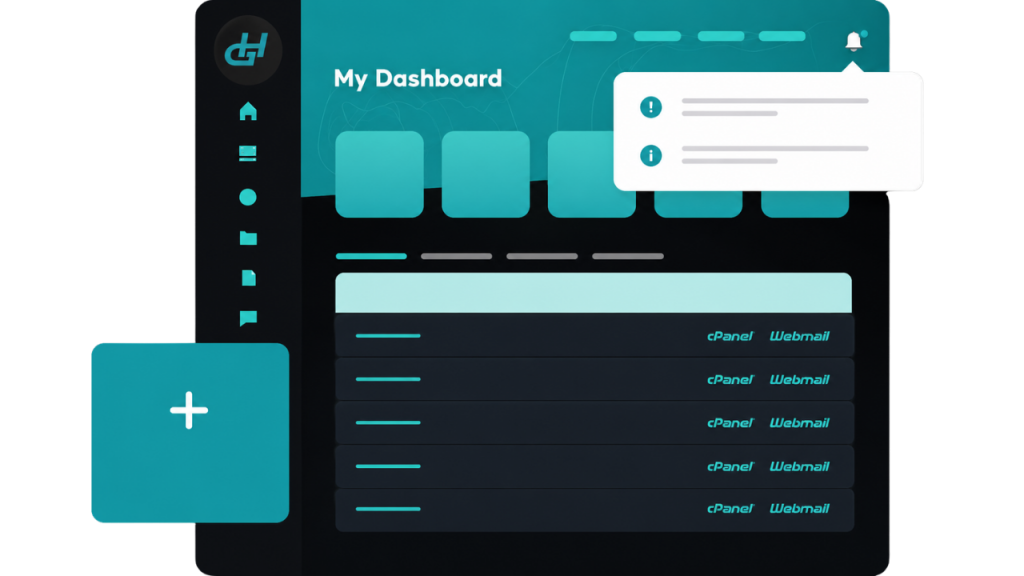
  • Log In to Your Control Panel  Access cPanel or your hosting dashboard.
  • Set Up Your Domain  Point your domain to the hosting server or register a new one.
  • Install Your Website  Use one-click installers like WordPress, Joomla, or other platforms.
  • Configure Email Accounts  Set up professional emails for your domain.
  • Check and Launch  Verify your website is running smoothly and go live.

Publishing a WordPress staging site without downtime is simple with the right tools and process:

  1. Use a Staging Environment  Most hosts, including GemiHost, provide a staging site where you can safely test changes.
  2. Test Thoroughly  Ensure all updates, plugins, and designs work perfectly on staging.
  3. Push Changes to Live  Use the hosting control panel or a plugin to deploy staging changes to your live site.
  4. Automatic Sync & Backup  Your hosting ensures your live site stays online while updates are applied, with a backup in case of issues.